Miyagi started as an attempt to reduce repetitive work inside Webflow. Designers and developers were spending time on small, mechanical tasks that felt automatable, but risky to automate without context.
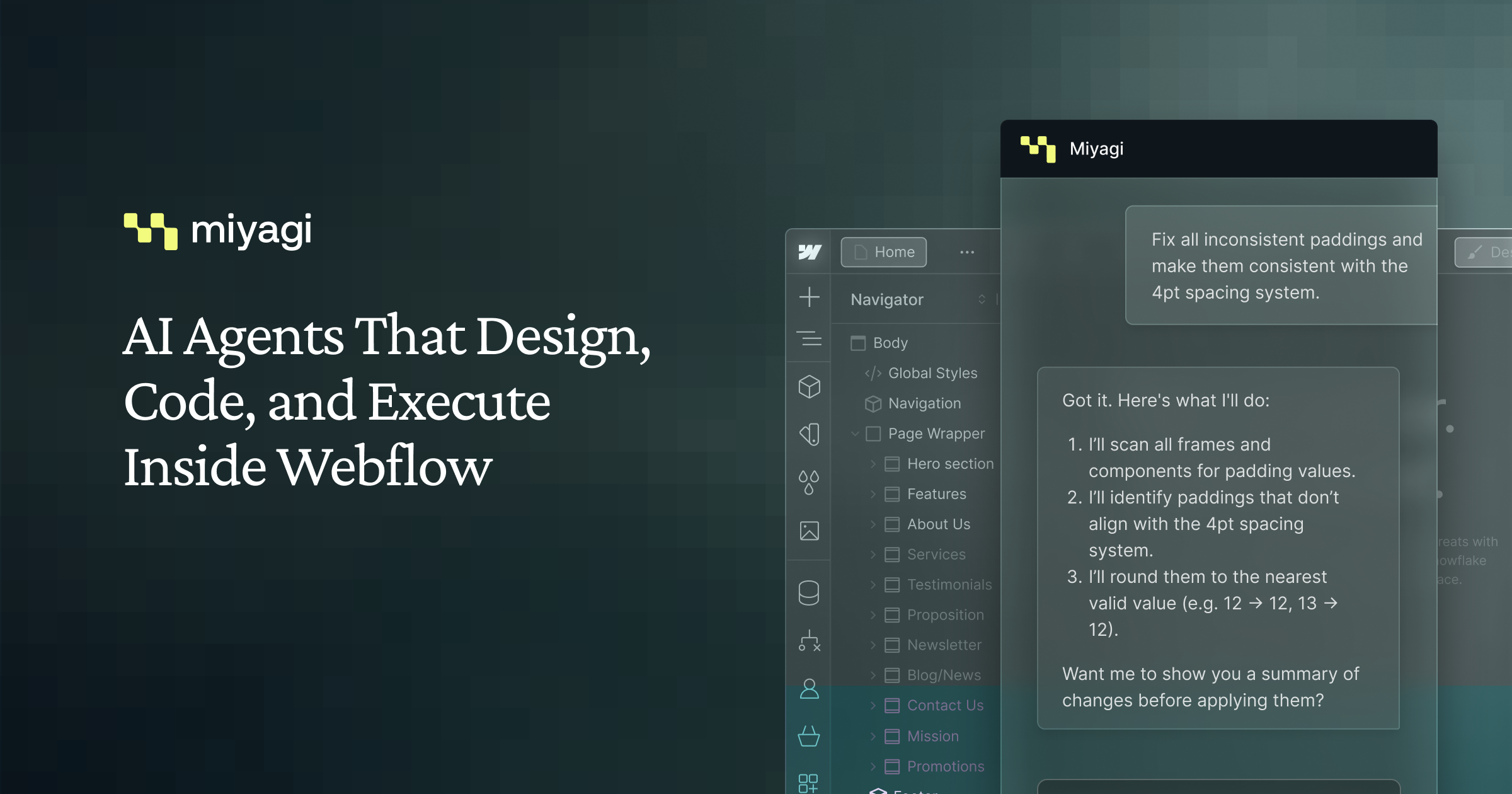
At Amply, we built Miyagi as an AI-powered assistant that lived directly inside the Webflow editor. Instead of working through an external interface, it operated on real project structure, so users could see exactly what was being changed.
Early on, it became clear that a single do-everything assistant would create more problems than it solved. Unclear intent, partial changes, and unexpected side effects were difficult to reason about.
To address this, Miyagi was designed around smaller, scoped agents. Each agent handled a specific type of task with clear limits on what it could modify. This reduced ambiguity and made outcomes more predictable.
Another important decision was to avoid automatic execution. Miyagi proposed changes first and required explicit user confirmation before applying anything. This slowed things slightly, but made the product easier to trust.
We moved quickly from idea to launch and released Miyagi on the Webflow App Marketplace. Shortly after launch, the product grew to over 700 users and validated demand for AI-assisted workflows inside Webflow.
After Webflow announced their own native AI assistant, the context around Miyagi changed. Competing directly with a platform-native tool no longer made sense, so the product’s direction shifted toward a more focused code editing and hosting experience with AI support built in.
Looking back, building Miyagi reinforced the importance of clear boundaries in AI systems. Predictable behavior, visible actions, and user control mattered far more than raw capability.